 PRO
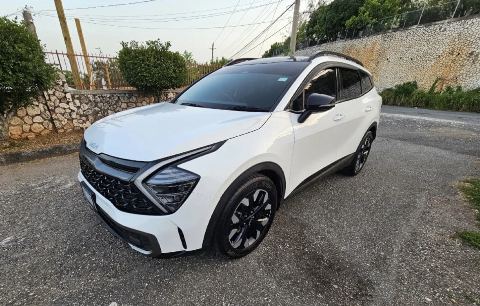
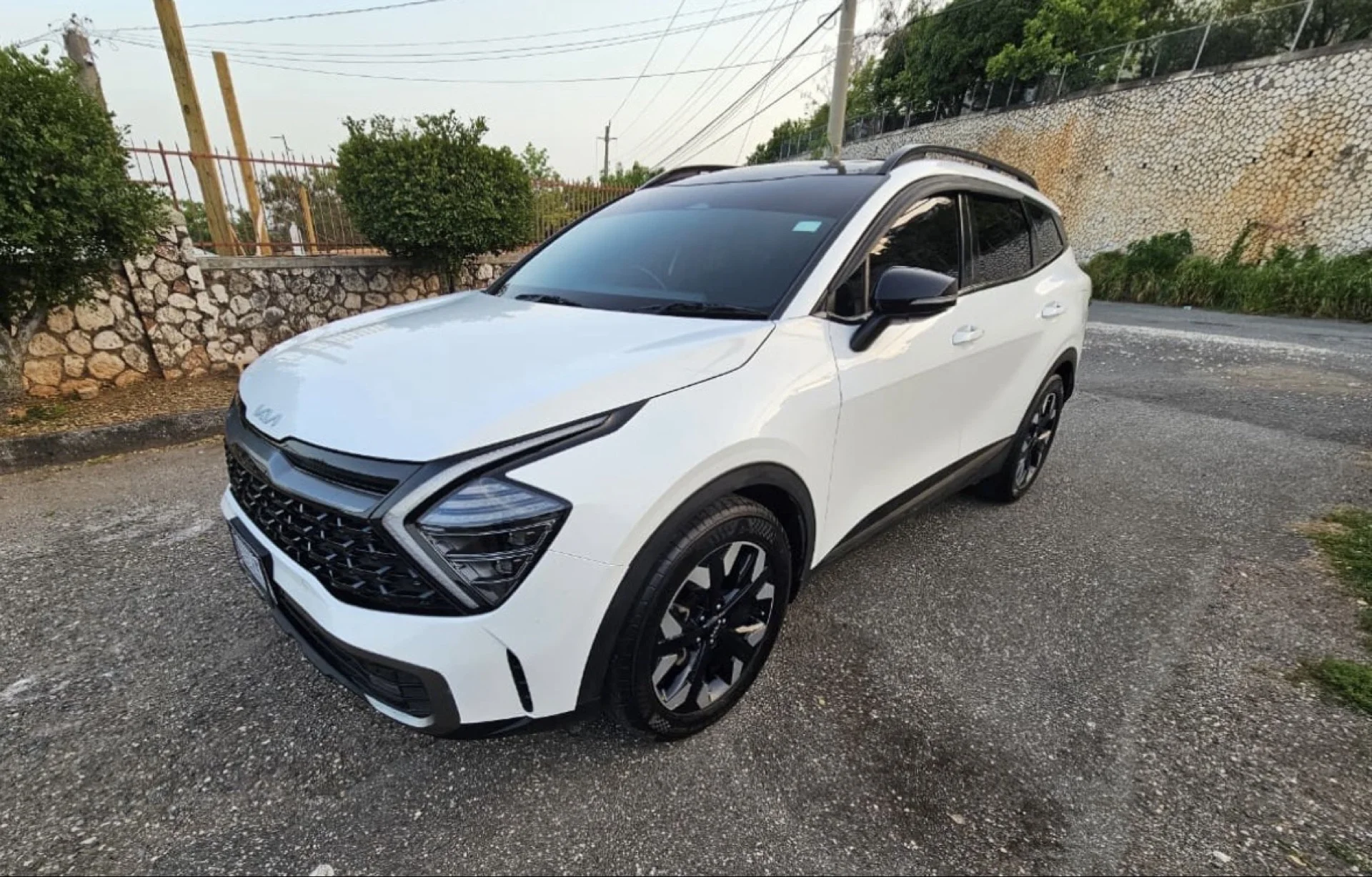
Kia Sportage
US$80/dayHalf Way Tree
Rent the car you want from a local host, anywhere in Jamaica
Hand-picked by MyRyde PRO hosts
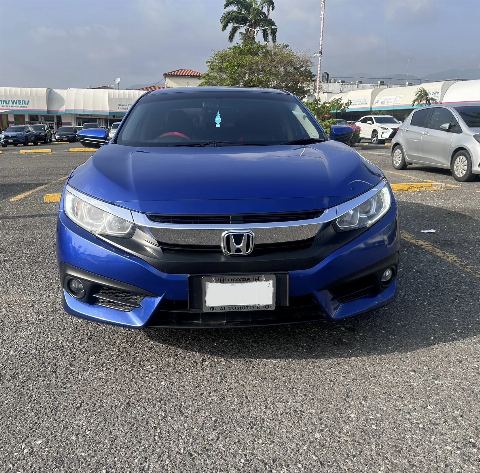
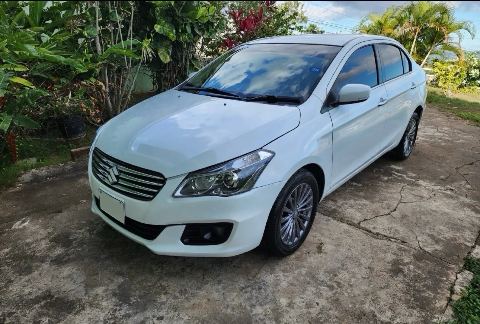
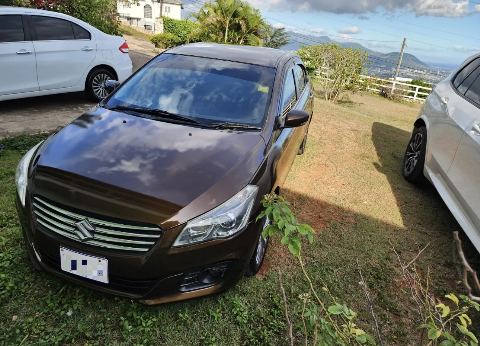
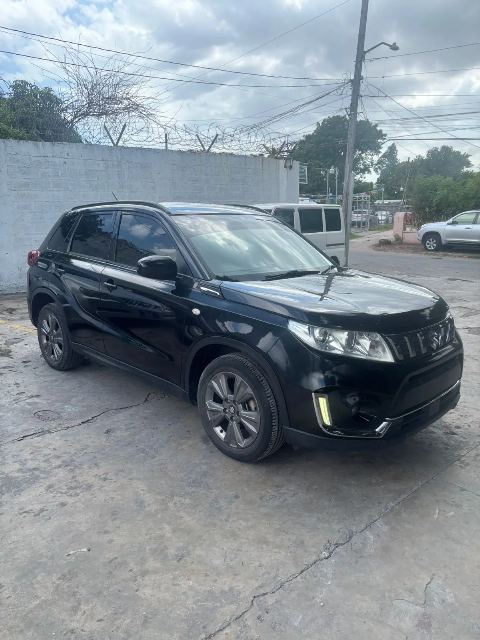
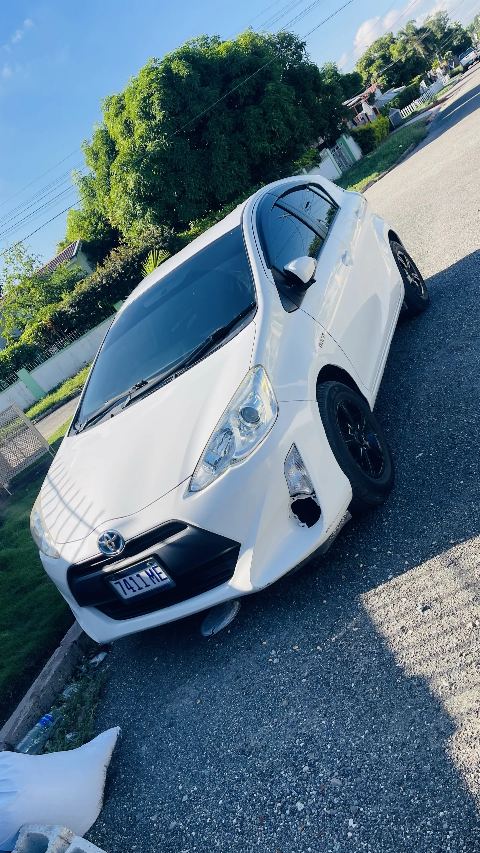
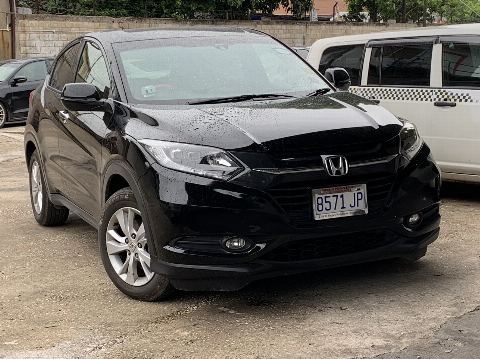
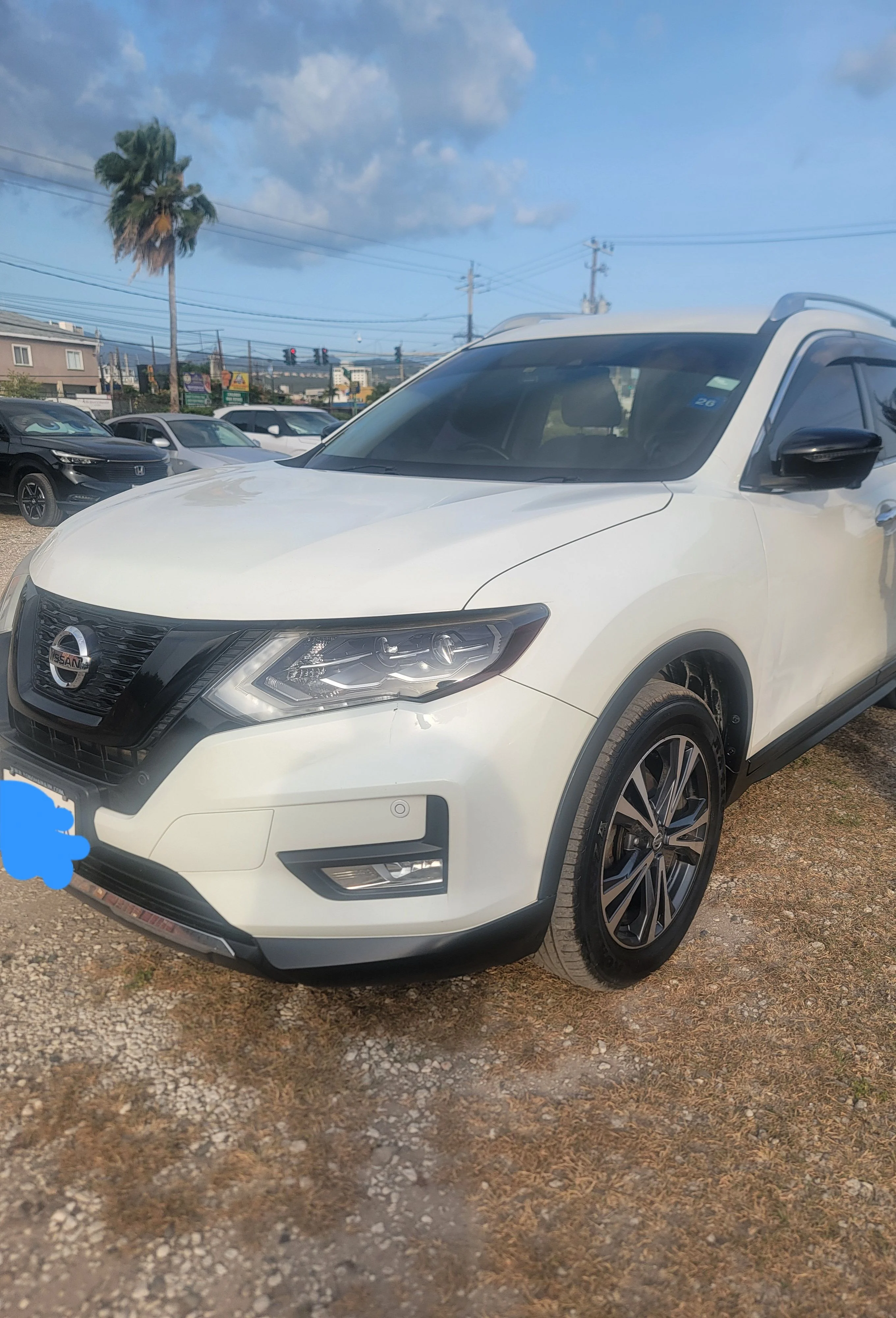
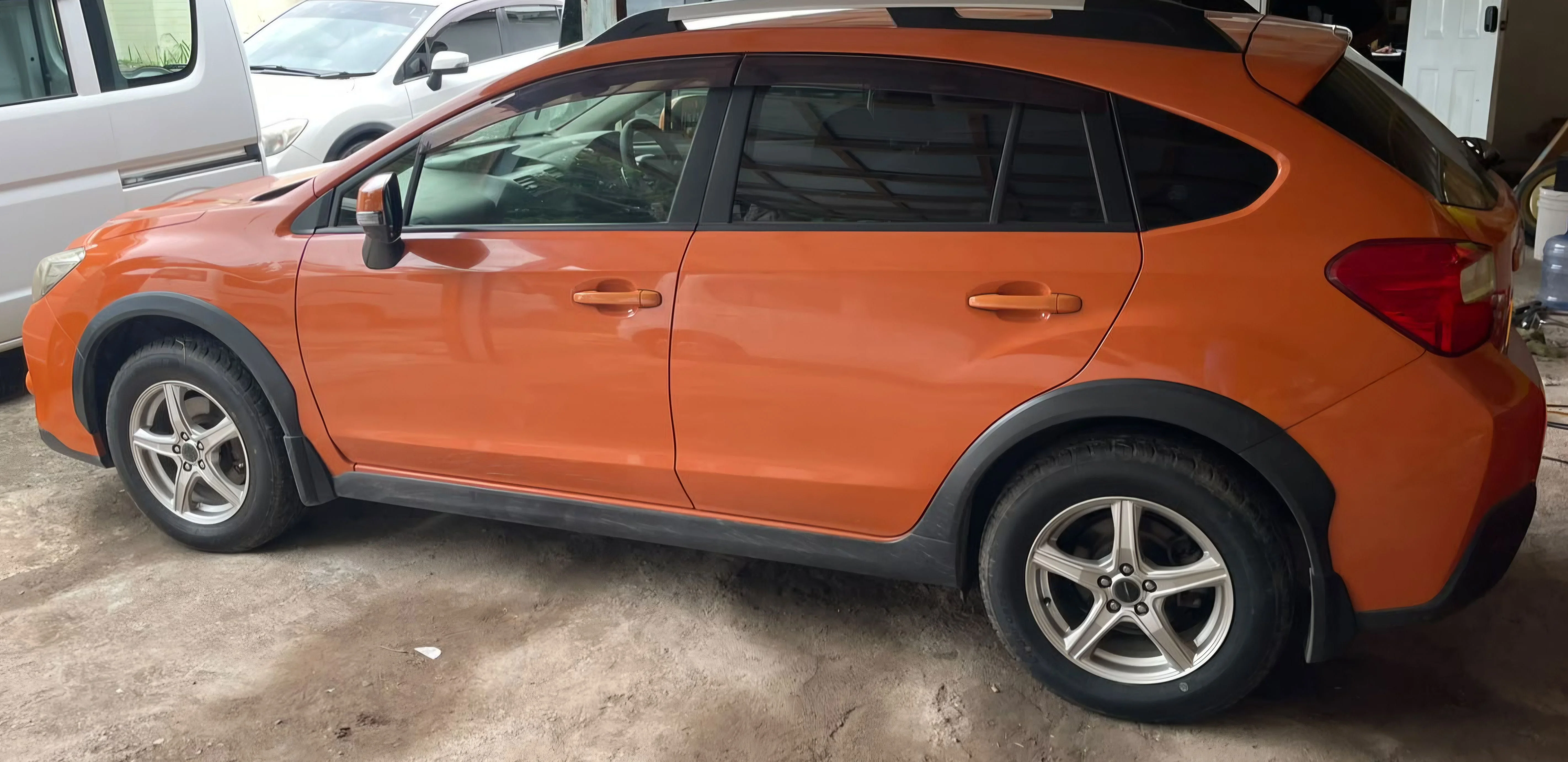
Fresh cars from local hosts
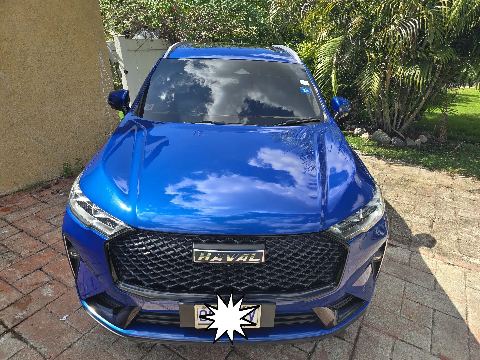
US$100/dayCross Roads
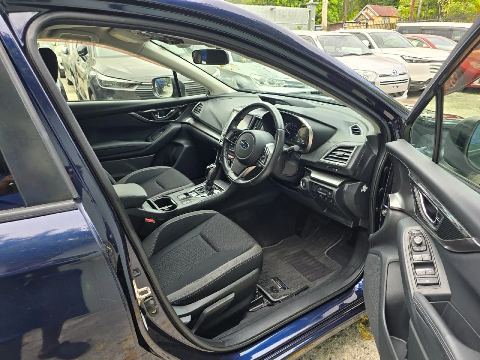
US$57/dayKingston
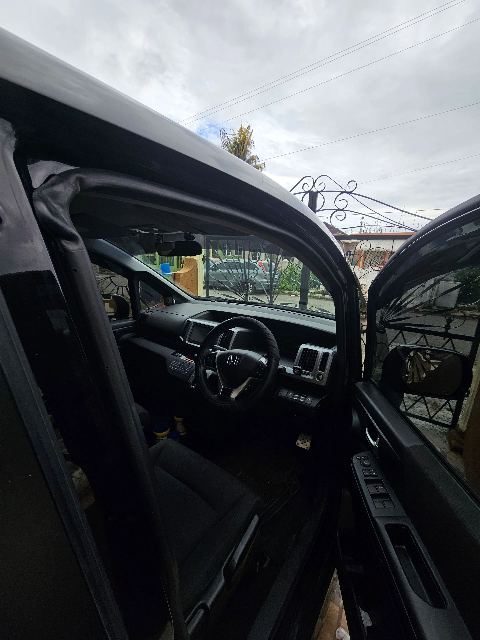
US$95/dayPortmore
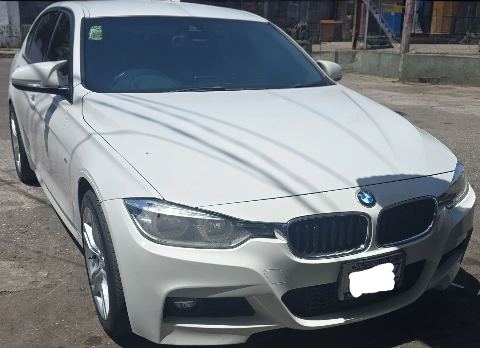
US$130/daySt. Catherine
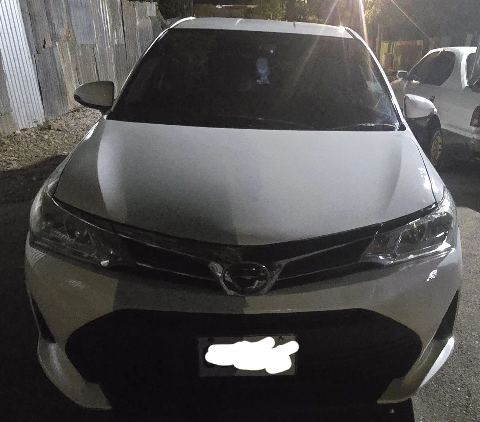
US$60/daySt. Catherine
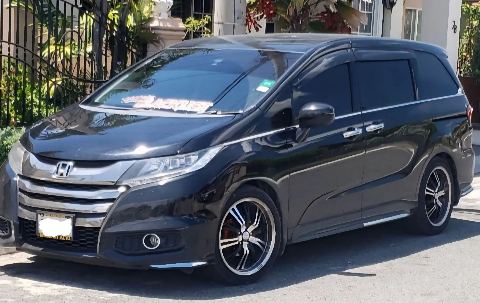
US$80/daySt. Catherine
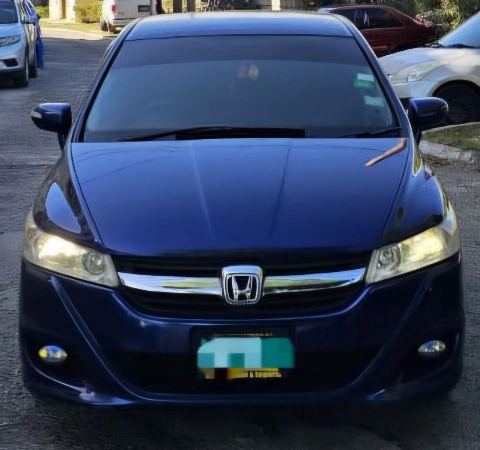
US$62/daySt. Catherine
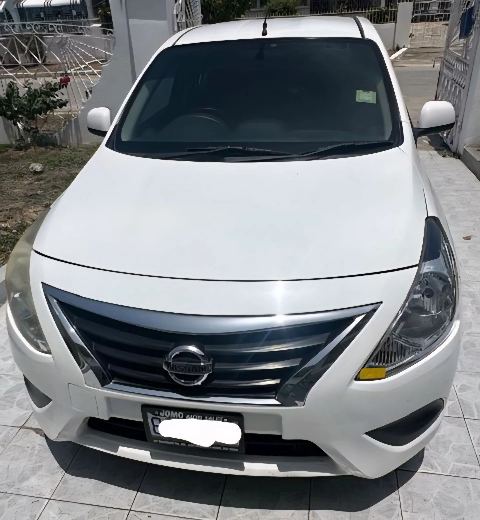
US$55/daySt. Catherine
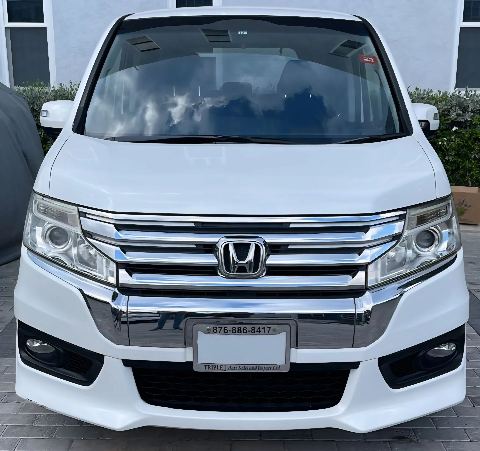
US$90/daySt. Catherine
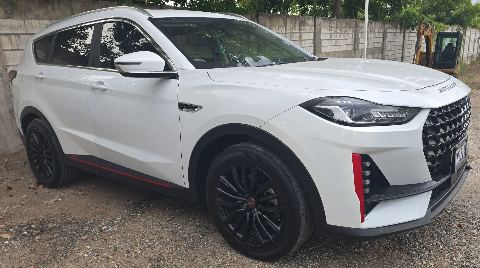
US$200/daySt. Catherine
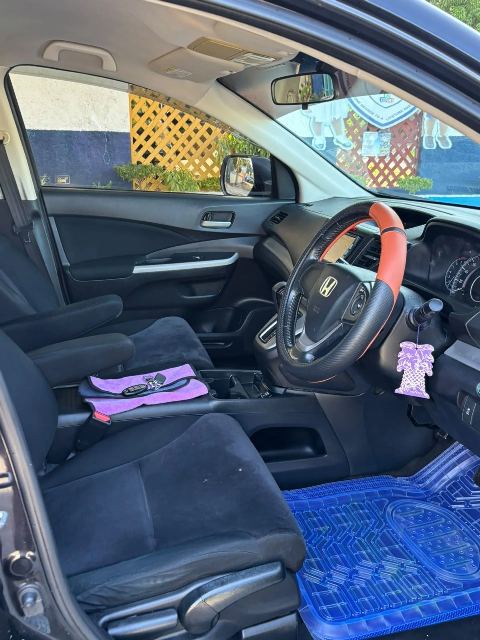
US$120/daySt. Catherine
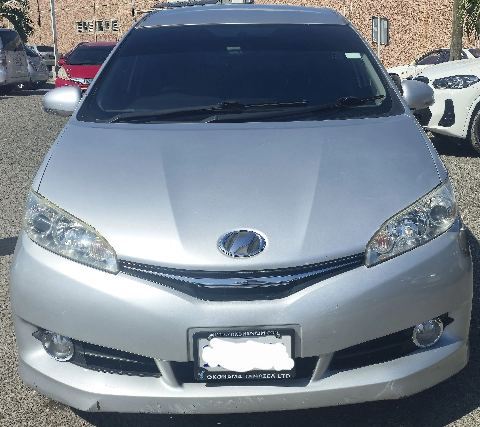
US$62/daySt. Catherine
Base daily rates from Kingston hosts
Room for the family and the luggage
Half Way Tree, Liguanea and beyond
Arrive in style
US$130/daySt. Catherine
US$200/daySt. Catherine
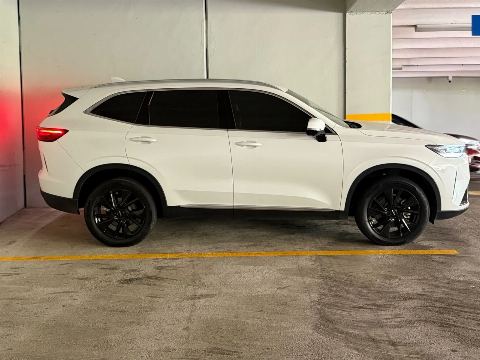
US$100/dayLiguanea
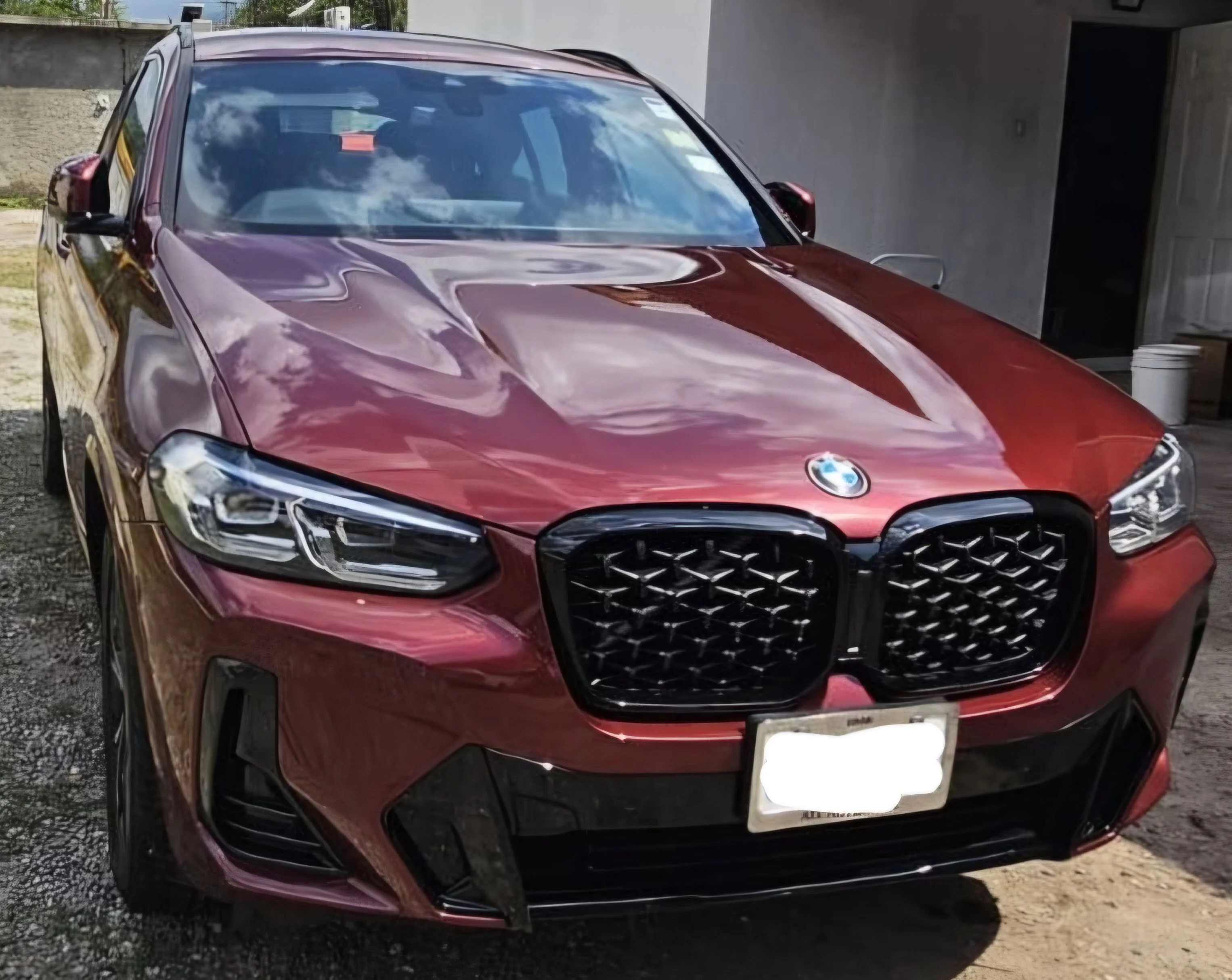
US$265/daySpanish Town
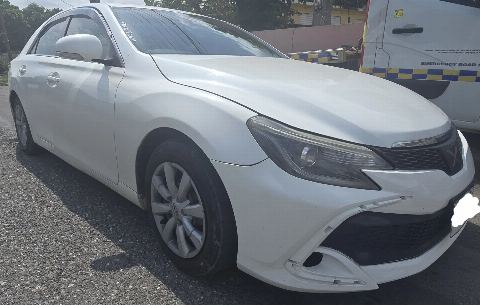
US$130/daySpanish Town
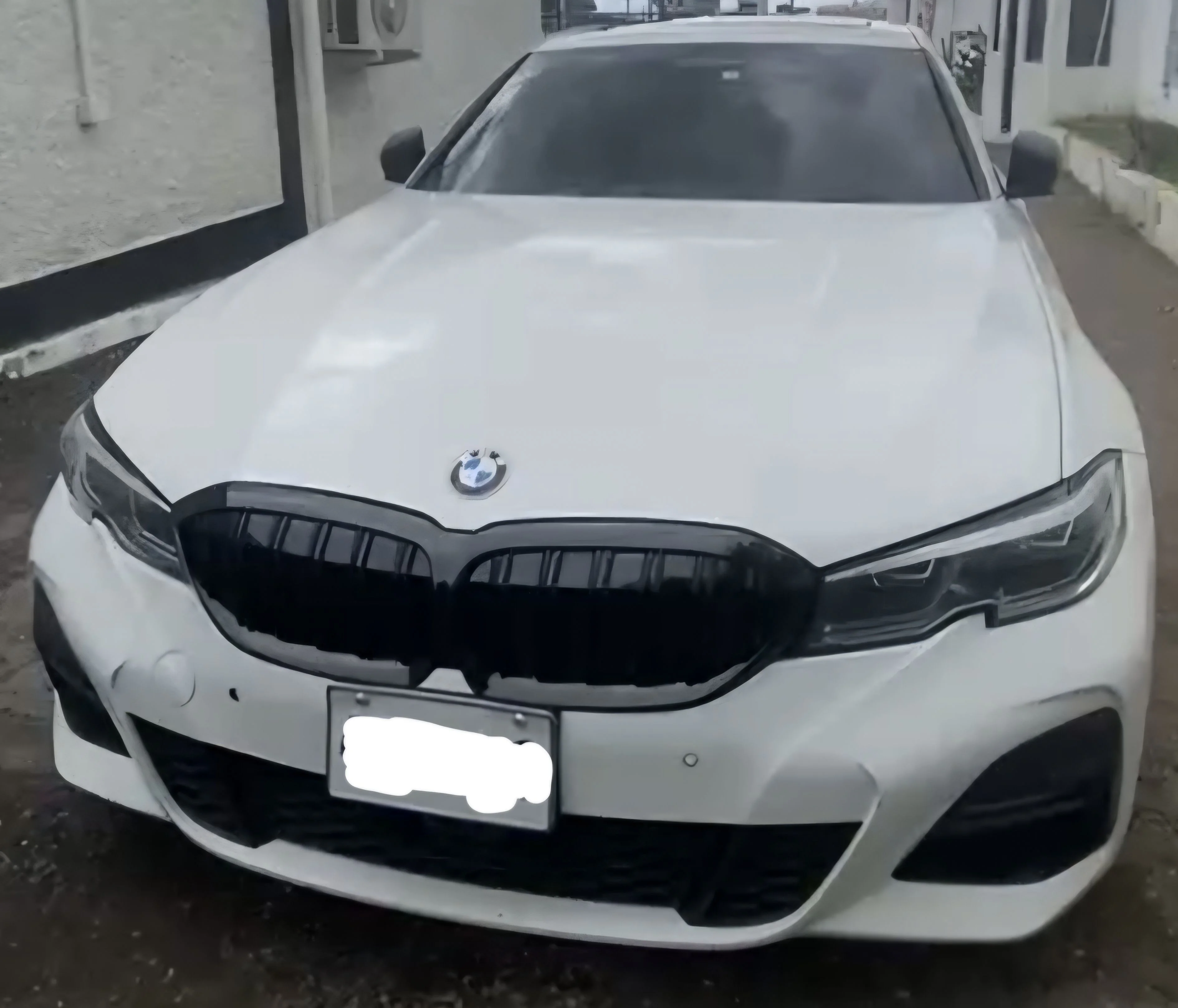
US$230/daySpanish Town
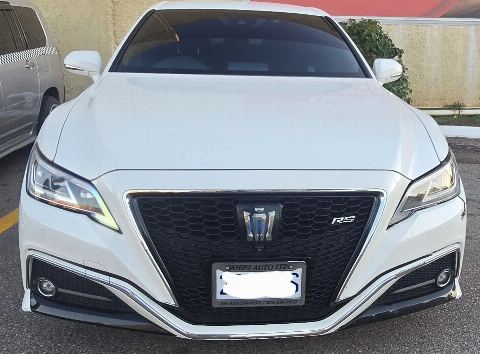
US$165/daySpanish Town
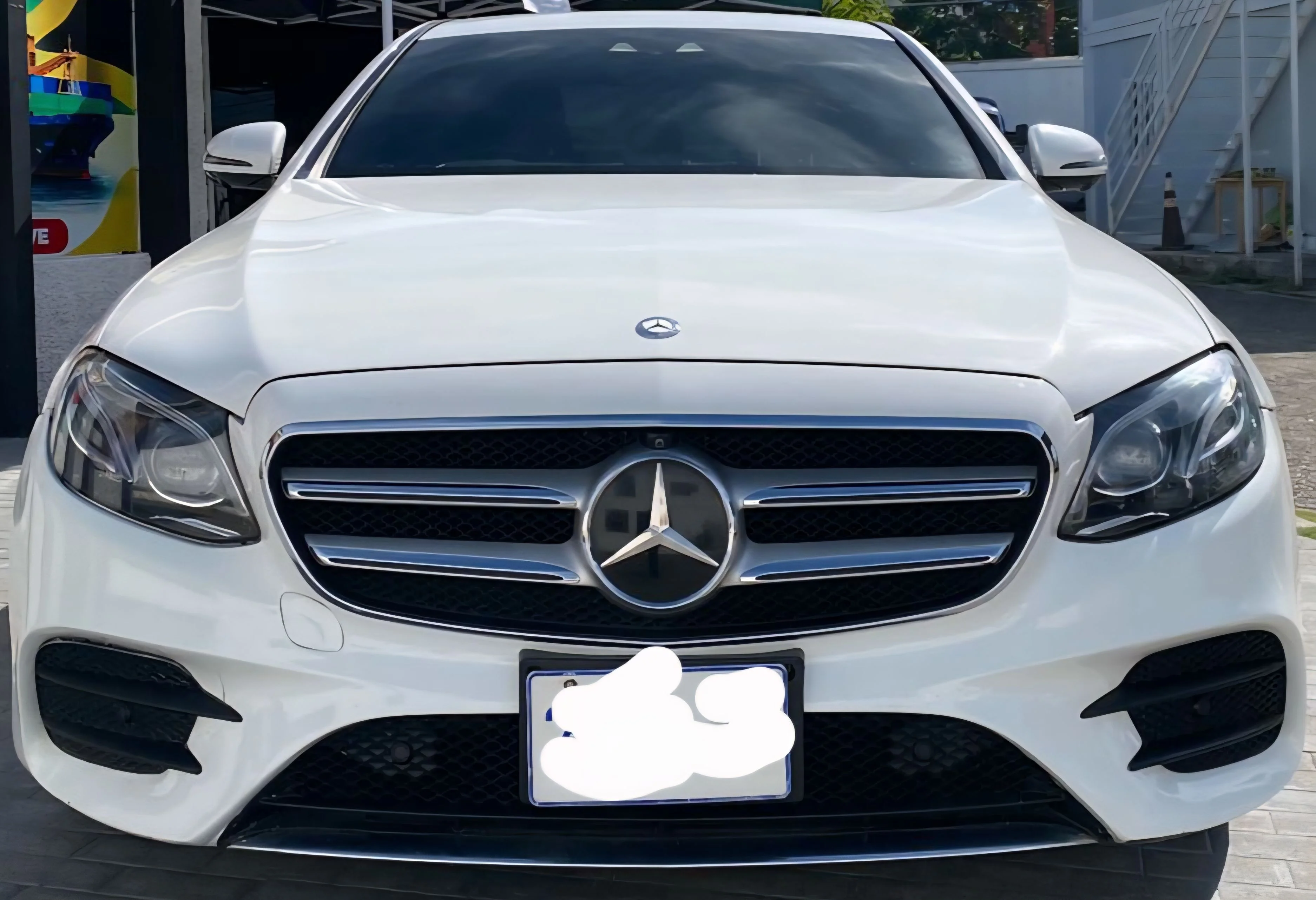
US$200/daySpanish Town
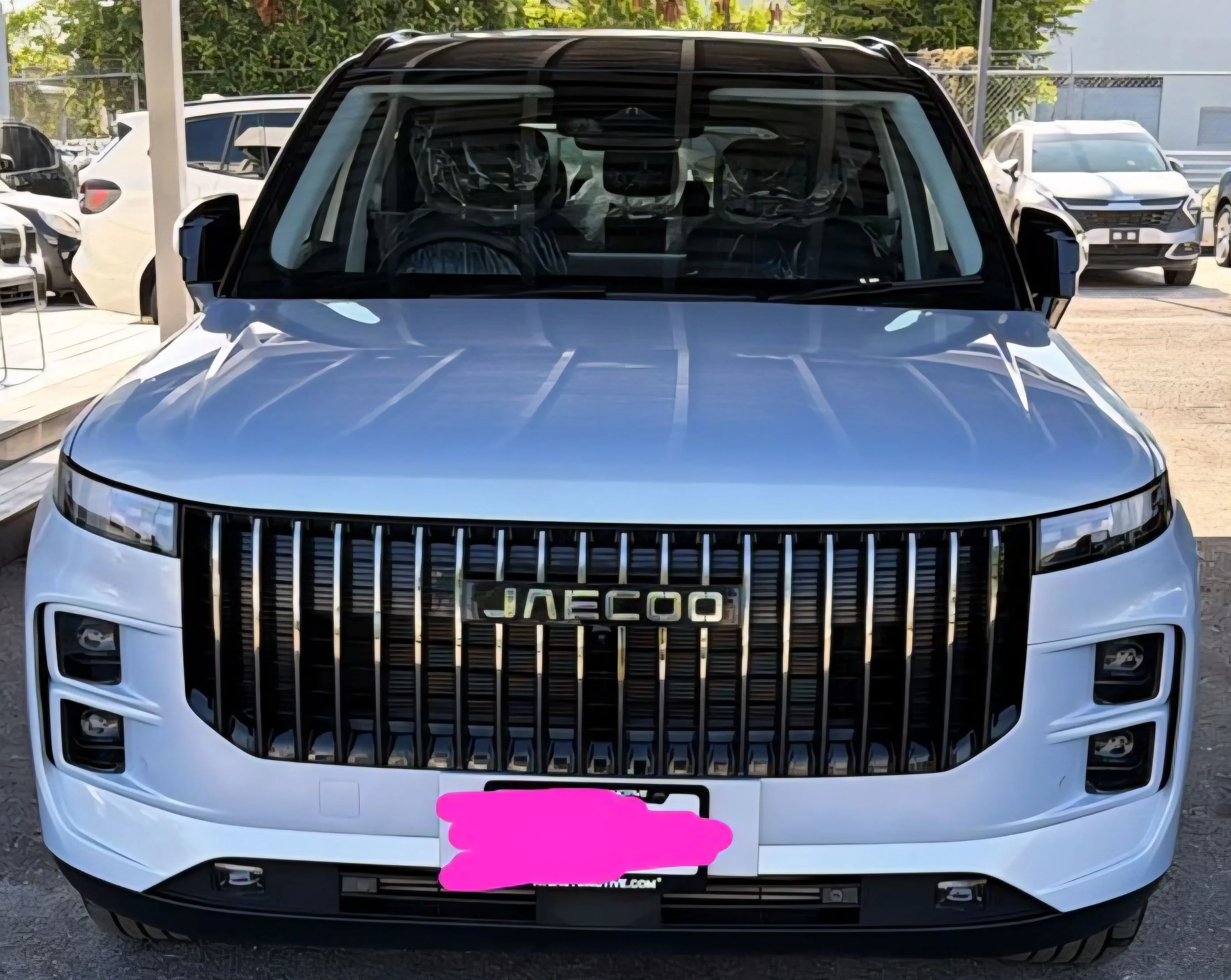
US$230/daySpanish Town
Search by parish, dates and vehicle type, and compare photos, reviews and daily rates from local hosts.
Verify your licence, choose a payment option and request the car. Your host confirms and you agree a pickup spot in messages.
Meet your host, do the photo check-in together, and you’re on the road.
Something else? Contact us
MyRyde is a car sharing app for Jamaica. Car owners list their vehicles, and drivers book them directly through the app instead of going to a rental counter.
Anyone who meets the driver requirements shown in the app. You’ll add and verify your driver’s licence before your first trip.
Depending on the car, pay fully in the app or pay the rental amount to the host in cash, with applicable platform fees paid in the app. Available options are shown before you book. The security deposit is explained separately.
Download the app, choose “List your car”, add photos and details, then set your daily price and the days it’s available. You approve each booking request.
After you book, you and the host agree on a pickup spot through in-app messages. Check the car together before you drive off.
Message your host in the app first. If you can’t sort it out together, email MyRyde support at support@myryde.co.

Get the free MyRyde app on iOS & Android to reserve your car in minutes.